

- Joined
- Oct 9, 2025
- Messages
- 39
PHP code is embedded in HTML (or other text) using special delimiters called PHP tags. These tags tell the PHP engine where the code starts and ends. Anything outside the tags is treated as plain text/HTML and sent directly to the browser without processing.

Recommendation: Safe and encouraged to use! It reduces boilerplate when embedding variables in HTML.
Example mixing tags:
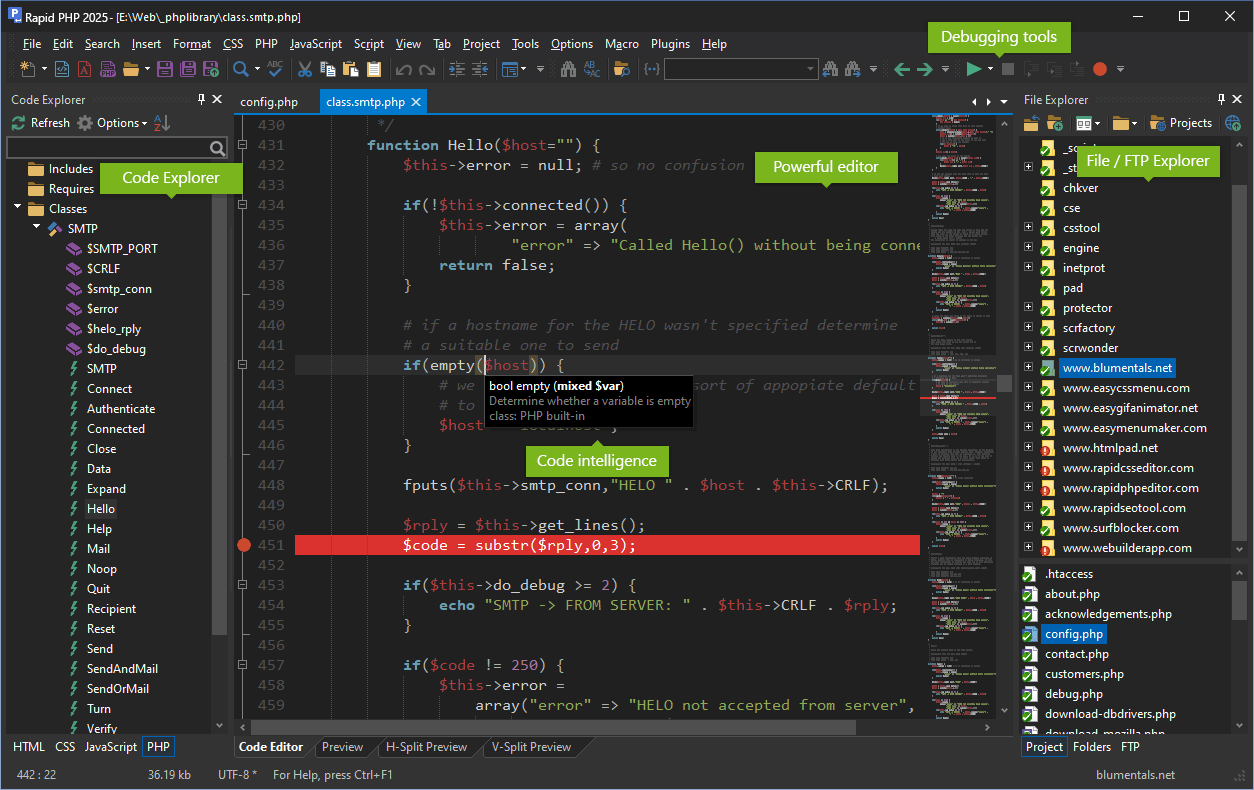
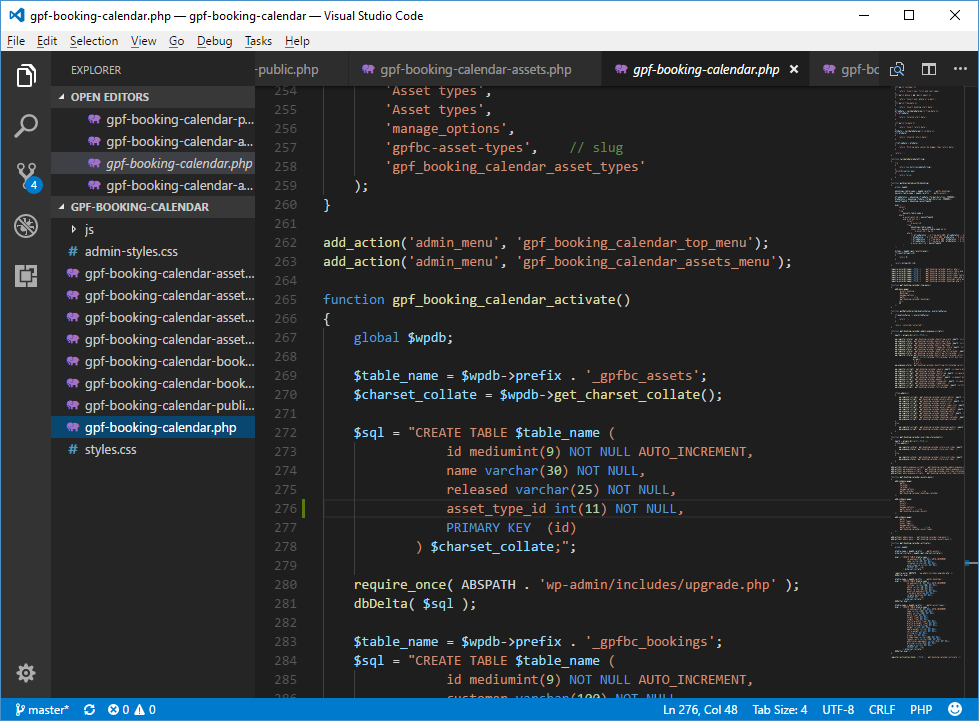
Practice this in your editor—set up syntax highlighting to spot tags easily!
The Standard Full Tag:
This is the recommended and always-available way to write PHP code.
PHP:
<?php
    echo "This is standard PHP code.";
?>- Always works, regardless of server configuration.
- Explicitly identifies the code as PHP (the "php" part).
- Required for maximum portability—your code will run on any PHP setup.
- Best practice in modern PHP (8.4+ as of late 2025).
Short Open Tags:
A shorthand alternative:
PHP:
<?
    echo "This uses short tags.";
?>- Controlled by the short_open_tag directive in php.ini (default often Off in modern setups).
- Strongly discouragedfor several reasons:
- Portability issues: Not guaranteed to work on all servers (many hosts disable it).
- Conflicts with XML: <? is the XML processing instruction start (e.g., <?xml version="1.0"?>). Enabling short tags can break XML/XHTML output.
- Historical plans to deprecate/remove it (RFCs discussed removal around PHP 8, but it remains for backward compatibility).
- Coding standards (e.g., PSR, WordPress) explicitly forbid it.
Short Echo Tag (Shorthand Echo):
A special shorthand specifically for echoing/outputting values:
PHP:
<p>Hello, <?= $username ?>!</p>- Equivalent to <?php echo ... ?>.
- Always available since PHP 5.4 (2009+), independent of short_open_tag setting.
- No portability issues in modern PHP (all supported versions are 8.1+).
- Widely accepted and commonly used in templates/views (e.g., Laravel Blade allows it, many devs love it for cleaner HTML mixing).
- Even strict projects like recent WordPress discussions (2025) are moving toward allowing it for single statements.
Recommendation: Safe and encouraged to use! It reduces boilerplate when embedding variables in HTML.
Other Historical Tags (Avoid Completely)
- ASP-style: <% %> – Requires asp_tags = On (deprecated and rarely used).
- Script style: <script language="php"> </script> – Verbose and outdated.
Key Syntax Rules Inside Tags
- Statements end with ;.
- Whitespace after <?php is required (e.g., <?php echo is invalid).
- No closing tag needed at the end of pure PHP files (prevents accidental output).
- Case sensitivity: Keywords (echo, if) are case-insensitive, but variables/functions are case-sensitive.
Example mixing tags:
PHP:
<!DOCTYPE html>
<html>
<body>
    <h1>Welcome</h1>

    <?php
        $name = "World";
        echo "<p>Full tag: Hello $name!</p>";
    ?>

    <p>Short echo: Hello <?= $name ?>!</p>

    <!-- Short tag below would fail if disabled -->
    <? // echo "This might not work!"; ?>
</body>
</html>
Why the Distinction Matters in 2025
- PHP 8.4 is the current stable version (released late 2024), with 8.5 upcoming.
- Modern development emphasizes portability, security, and clean code.
- Frameworks (Laravel, Symfony) and tools assume full tags.
- Using short open tags can break your code when deploying.
Practice this in your editor—set up syntax highlighting to spot tags easily!